Where to Put Jumper Cables on GMC Terrain
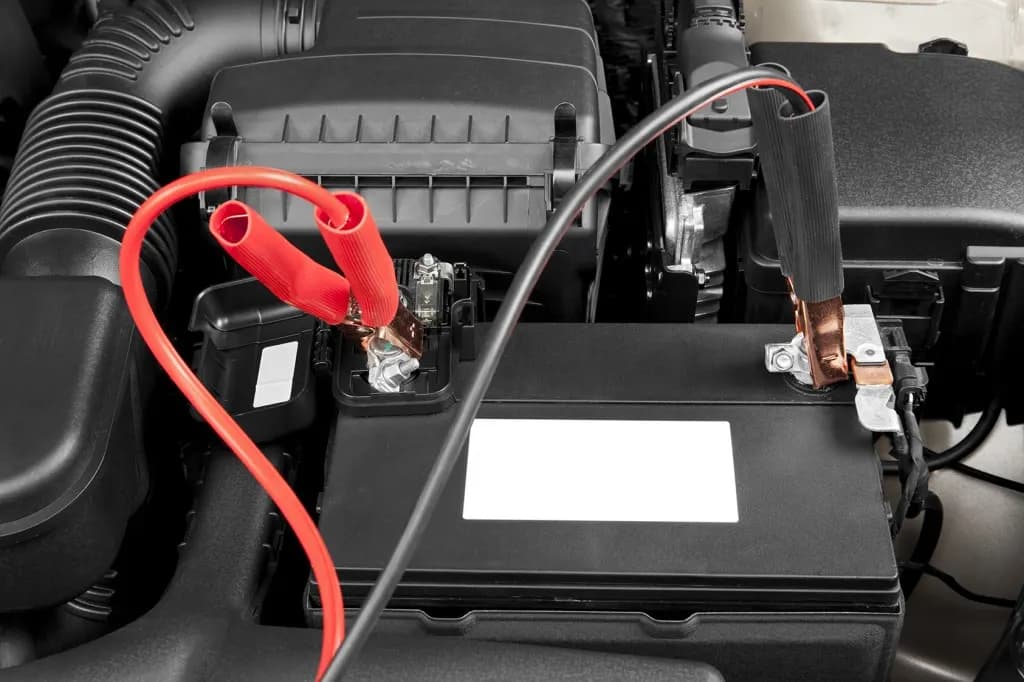
Picture this: you're in a hurry to get to work, you head out to your GMC Terrain, insert the key, and nothing happens. Your battery is completely dead. It's a frustrating situation, but a common one. With a set of jumper cables and a bit of know-how, you'll be back on the road in no time.
Before You Get Started
Before using jumper cables on your GMC Terrain, make sure you have these essentials:
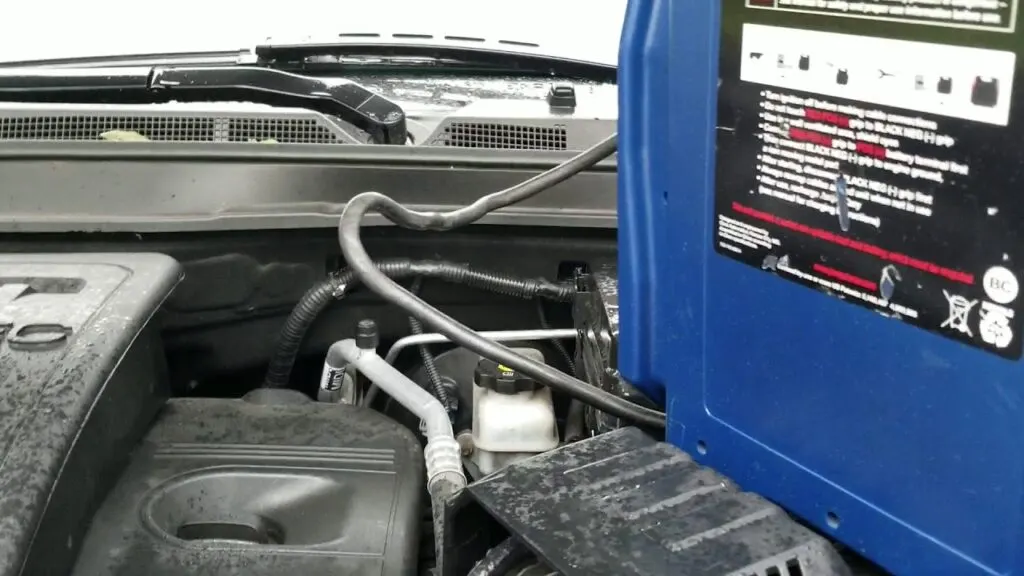
- A reliable set of jumper cables, without any damage or wear.
- Another vehicle with a functioning 12-volt battery, parked close enough to your GMC Terrain for the cables to reach, but not touching.
- Safety equipment such as gloves and protective eyewear.
Once you have these items, you're ready to connect the jumper cables to your GMC Terrain.
Connecting the Jumper Cables on Your GMC Terrain
Once you have everything ready, it's time to hook up the jumper cables on your GMC Terrain. Follow these steps:
- Turn off the engines of both vehicles. Make sure they're in park or neutral and that the parking brakes are engaged.
- Open the hoods and locate the batteries on both vehicles. In the GMC Terrain, the battery is on the driver's side near the firewall.
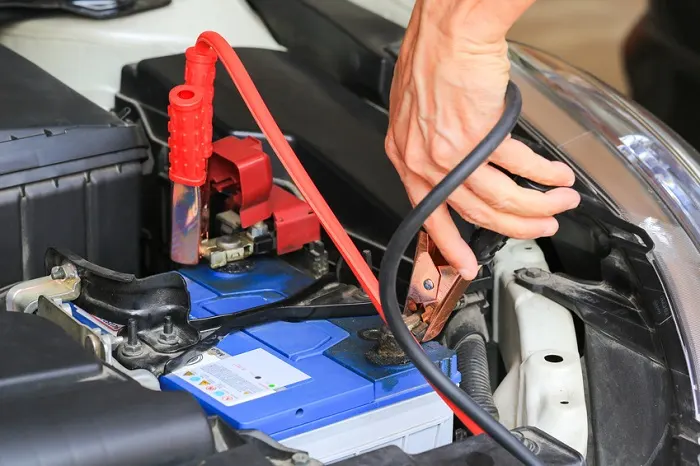
- Identify the positive and negative terminals on both batteries. The positive terminal typically has a red cap or a "+" sign, while the negative terminal usually has a black cap or a "-" symbol.
- Take the red jumper cable and attach one end to the positive terminal on your GMC Terrain's battery.
- Connect the other end of the red cable to the positive terminal on the good battery in the other vehicle.
- Take the black jumper cable and connect one end to the negative terminal on the good battery.
- Here's the important part: don't attach the other end to the negative terminal on your GMC Terrain's battery. Instead, connect it to an unpainted metal surface on the Terrain's engine block or frame.
- This is called grounding, and it's a safety measure that helps prevent sparks near the battery.
Starting Your GMC Terrain
Now that the jumper cables are connected correctly, you're almost ready to start the GMC Terrain. Here's what to do next:
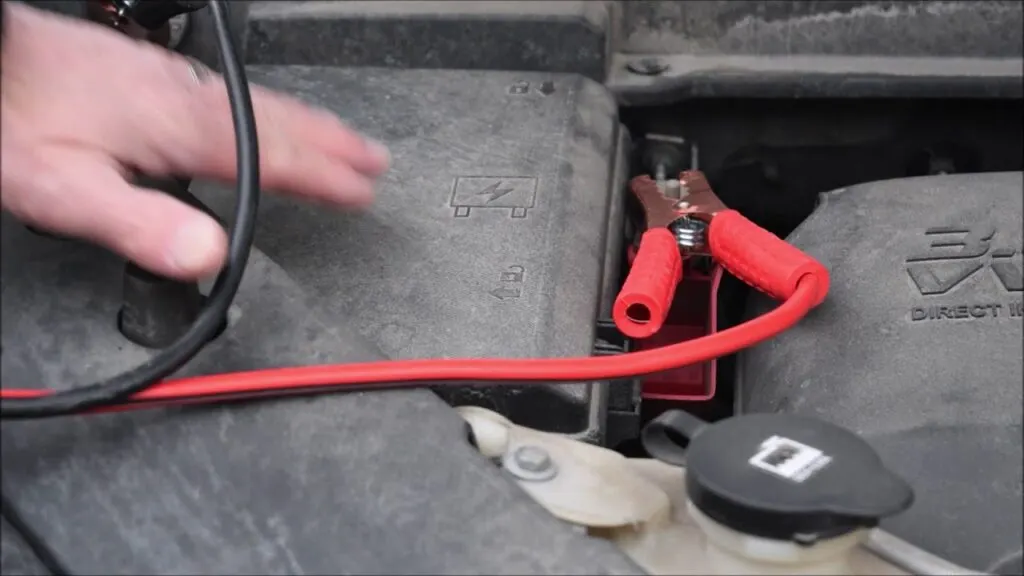
- Start the engine of the vehicle with the good battery and let it run for a couple of minutes.
- Next, attempt to start your GMC Terrain. If everything goes smoothly, it should start without trouble. If it doesn't start after a few tries, there may be a more serious issue, and it's best to seek professional help.
- If the Terrain's engine starts, leave it running. Remove the jumper cables carefully in reverse order: first the cable grounded on the engine block, then the black cable from the good battery, then the red cable from the good battery, and finally the red cable from the Terrain's battery.
- Let the Terrain run for about 15 minutes to help recharge the battery. A short drive afterward can help further.
Safety Tips for Using Jumper Cables on Your GMC Terrain
When jumpstarting your GMC Terrain, follow these safety precautions:
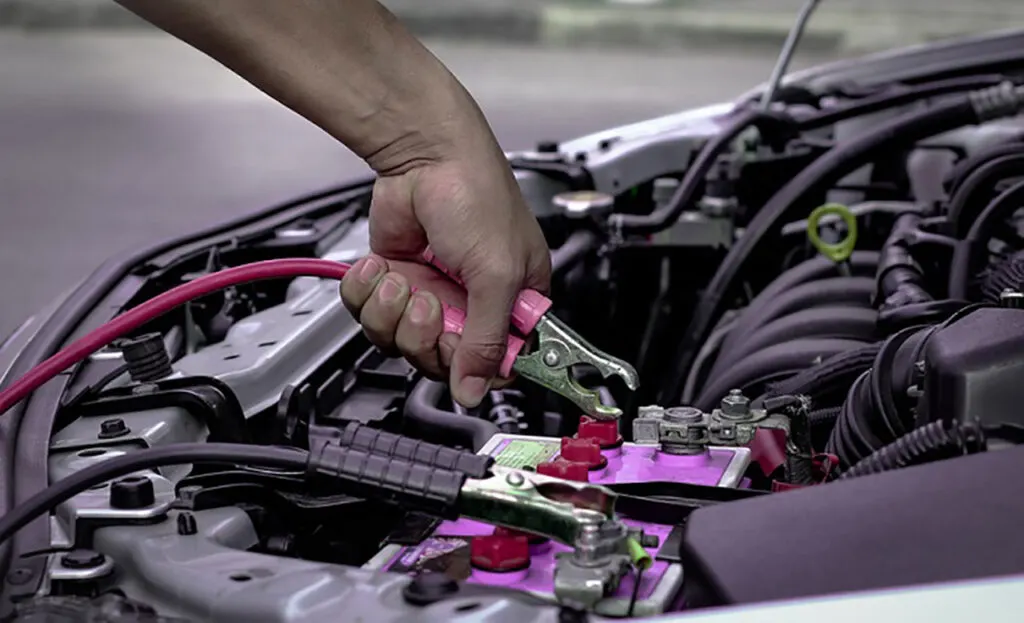
- Always wear protective gear, such as safety glasses and gloves, when handling jumper cables on your GMC Terrain.
- Make sure you connect the cables to the correct terminals to avoid damaging the electrical system.
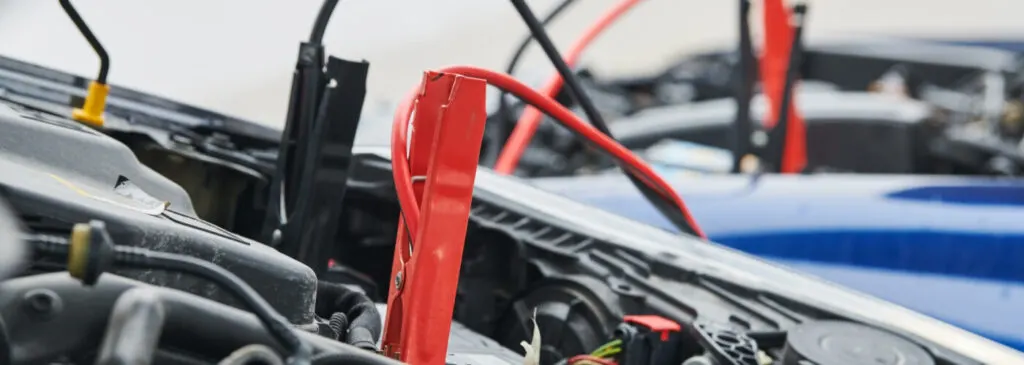
- Prevent sparks by keeping the red and black jumper cable clamps from touching each other while connected to a battery.
- Avoid jumpstarting your Terrain if either battery is damaged, frozen, leaking, or corroded. Seek assistance instead.
- If you notice smoke, sparks, or unusual odors during the jumpstarting process, disconnect the cables promptly.
- Do not jumpstart your GMC Terrain near liquids or in confined, poorly ventilated spaces.
When to Get a New Battery for Your GMC Terrain
If your GMC Terrain needs frequent jump starts, it may be a sign that the battery needs replacing. Car batteries typically last between 3 and 5 years, depending on climate conditions and driving habits.
Signs that it's time to replace your Terrain's battery include:
- Sluggish engine cranking
- Illumination of the battery warning light on the dashboard
- Swelling or expansion of the battery casing
- The battery is more than 3 years old
If you suspect your GMC Terrain needs a new battery, consider visiting an auto parts store. Many offer battery testing services and can help you find a suitable replacement. Remember to recycle your old battery.
Final Thought
That covers where to hook up jumper cables on a Terrain and how to do it safely. A little preparation makes all the difference in a dead-battery situation. Keep a set of jumper cables in the vehicle and stay on top of battery maintenance to reduce the odds of getting stranded. If you ever feel uncertain, roadside assistance and a trusted mechanic are always there to help.
FAQ
Can I use any kind of jumper cables on my GMC Terrain, or do I need a specific type?
While you don’t necessarily need GMC-specific jumper cables, it’s important to use heavy-duty, 4-6 gauge cables that are long enough to comfortably reach between vehicles. Avoid using cheap, thin cables as they may not provide sufficient power and could even melt or cause damage.
Is it possible to jumpstart my GMC Terrain with a portable jump starter instead of another car?
Absolutely! Portable jump starters, also known as jump boxes or battery boosters, can be a great alternative if you don’t have access to another vehicle. Just make sure to follow the manufacturer’s instructions and safety precautions when using one on your Terrain.
What should I do if I accidentally connect the jumper cables to the wrong terminals on my GMC Terrain’s battery?
First and foremost, don’t panic. Carefully remove the cables, making sure not to let the clamps touch each other or any metal surface. Then, wait a few minutes before attempting to reconnect them properly. If you notice any damage, sparks, or odd smells, it’s best to consult a professional.
Can jumpstarting my GMC Terrain damage the electrical system or onboard computers?
In most cases, jumpstarting your Terrain using proper techniques and equipment should not cause any damage. However, if you accidentally connect the cables incorrectly or use faulty equipment, there is a risk of electrical system damage. To be safe, always double-check your connections and consider having your Terrain inspected by a mechanic after a jumpstart.
My GMC Terrain started fine after I jumpstarted it, but the battery died again shortly after. What could be causing this?
If your Terrain’s battery keeps dying even after a successful jumpstart, there may be an underlying issue such as a failing alternator, parasitic drain, or simply a battery that’s reached the end of its life. It’s best to have your vehicle inspected by a qualified mechanic to diagnose and fix the root problem.
Safety note: This guide is for general informational purposes. Brake systems are safety-critical — if you're unsure at any step, or the work requires specialized tools, have it inspected or completed by a qualified technician.
Related Guides
 Acadia
2024 GMC Terrain Drive Modes: Your Ultimate Guide
Are you curious about the 2024 GMC Terrain Drive Modes? Get ready because we’re going to delve into the details of these features.
 Sierra
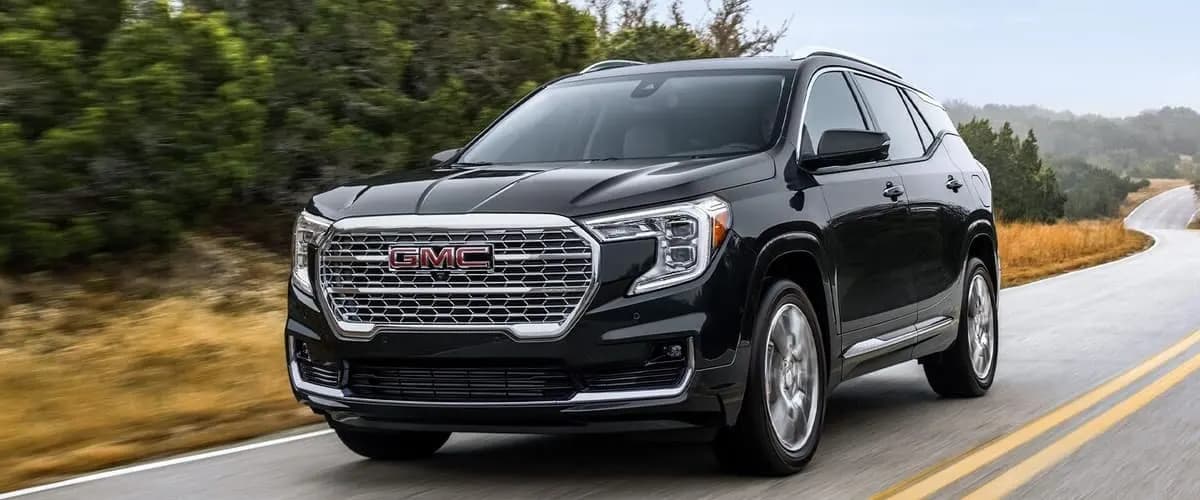
The Lowdown on the Upcoming 2025 GMC Terrain
GMC released some shadowy teaser photos and a short video giving us our first peek at the design of the 2025 GMC Terrain.
 Acadia
Exploring the Versatile 2024 GMC Acadia Drive Modes
The 2024 GMC Acadia offers Tour, Sport, Snow/Ice, Off-Road, and Tow/Haul drive modes. See what each one adjusts and when to use it.
 Acadia
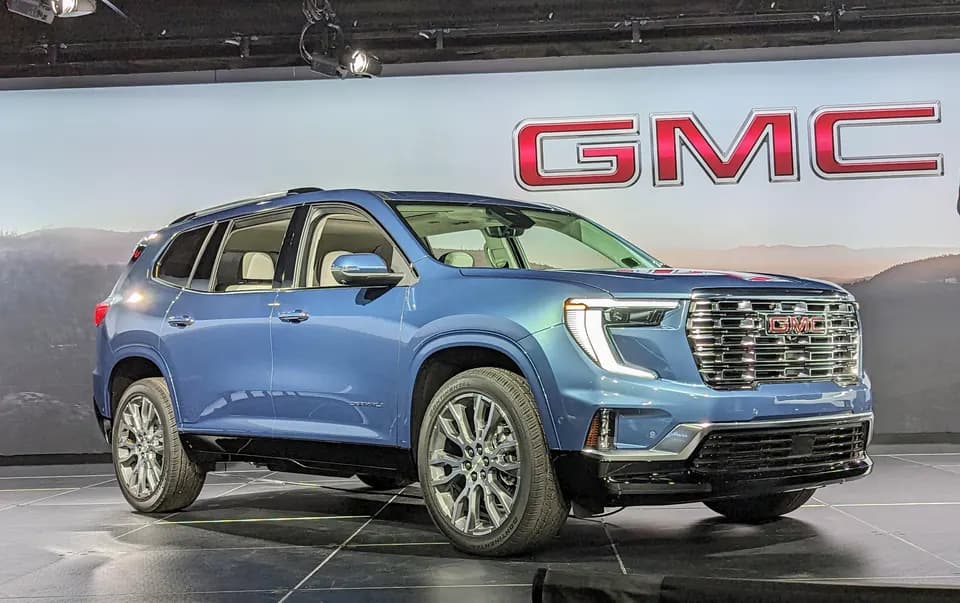
2024 GMC Acadia Denali Release Date and What to Expect
Keep your eyes peeled at your local GMC dealer in the coming weeks for the highly anticipated 2024 GMC Acadia Denali release date.
 Acadia
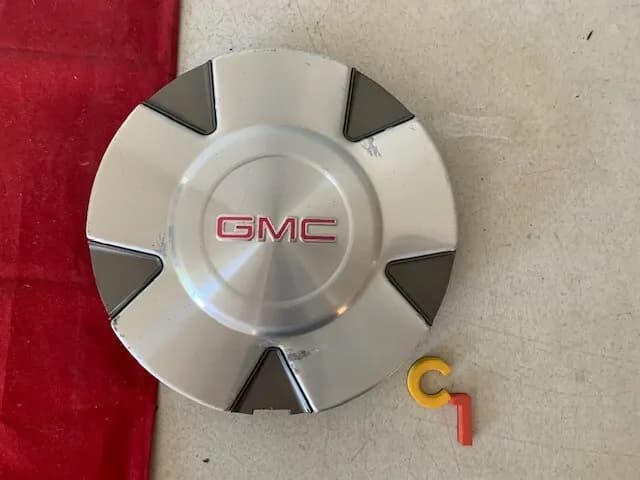
GMC Acadia Wheel Center Caps
GMC Acadia wheel center caps serve an important purpose in protecting your wheels and lug nuts from damage.
 Acadia
Does the GMC Acadia Really Need Premium Gas?
Regular 87 octane unleaded gasoline is perfectly suitable to meet the GMC Acadia’s fuel requirements.
More in GMC Brake Problems
- GMC Acadia Parking Brake Service Mode (2017-2023)
- 2012 GMC Acadia Problems
- GMC Acadia Brake Fluid
- What Year is The Most Reliable GMC Acadia?
- GMC Acadia Brake Pedal Position Sensor Calibration
- Rear Disc Brake Conversion for GMC Sierra 1500 (2005-2013)
- 2008 GMC Yukon Brake Light Bulb Size (2007-2014 Chart)
- GMC Envoy Third Brake Light and Moulding (2002-2009)
- GMC Yukon Brake Replacement Cost: Pads, Rotors, Calipers
- How GMC Brake Systems Work: Hydraulics to StabiliTrak
- GMC Brake Maintenance: Intervals, Fluid, Towing, Winter
- GMC Canyon Brake Problems and Recalls by Generation