GMC Sierra Parking Brake Reset After a Battery Disconnect
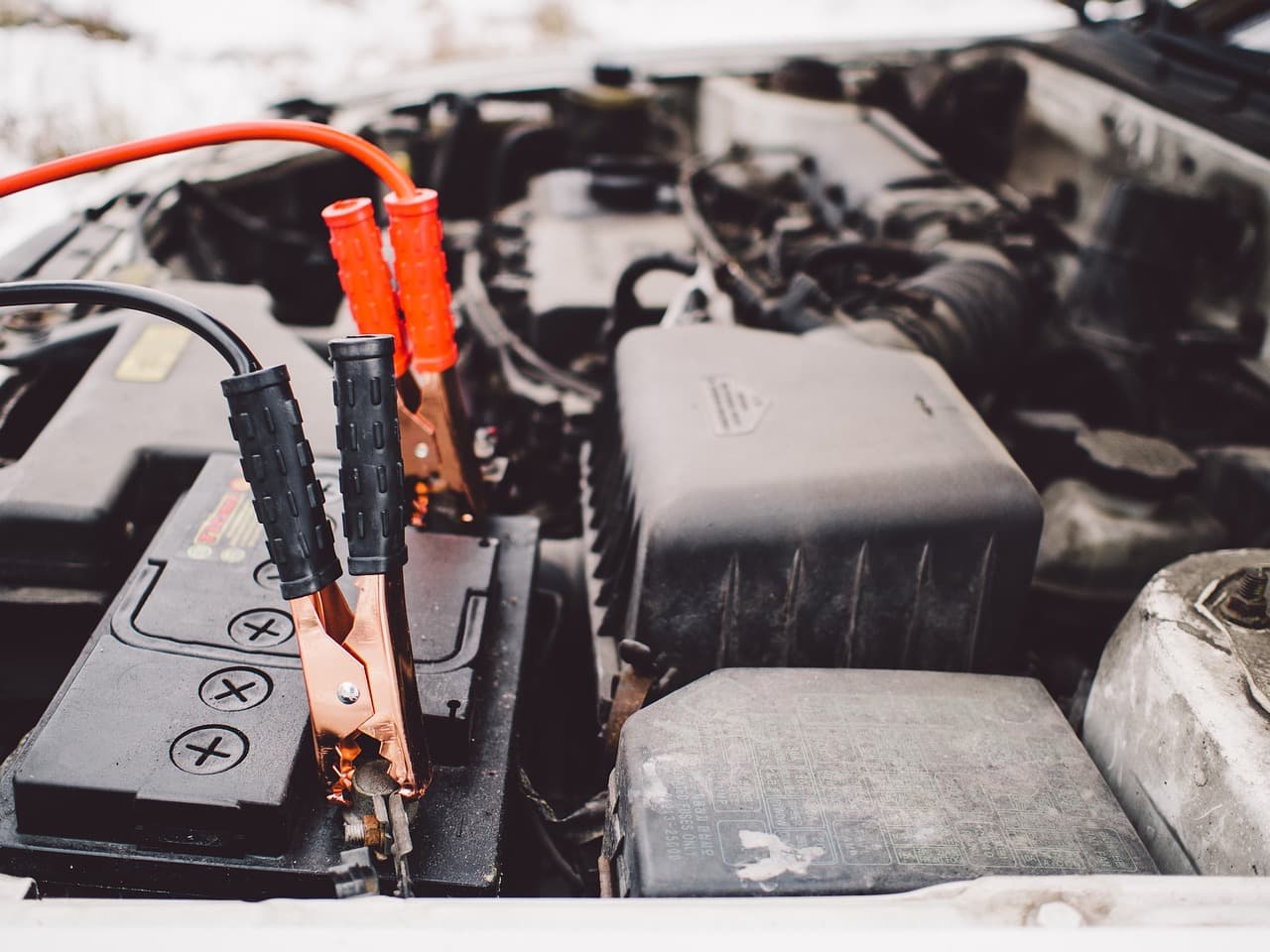
When a Sierra's battery goes dead or gets disconnected, the electronic parking brake (EPB) can come back confused rather than working normally. The parking brake control module relies on continuous power to track where the rear caliper motors are sitting, and an interruption can leave it without a clear calibration reference. The result is usually a parking brake warning lamp, sometimes a "Service Brake System" or similar message on the driver information center, and a parking brake that either won't release or won't confirm that it's applied. In most cases, the fix starts with making sure the battery connection itself is solid, then cycling the ignition to let the module re-establish its position, before moving on to the same service-mode switch sequence used for brake jobs or, if that doesn't clear it, a scan tool.
Why This Happens After a Battery Disconnect
Sierras built with an EPB don't use a mechanical lever or cable at the rear; small electric motors inside the calipers apply and release the parking brake on command from a dedicated control module. That module keeps track of caliper position electronically, and it depends on stable voltage to do it reliably. When the battery is disconnected, goes fully dead, or drops below a usable voltage mid-operation, the module can lose track of where the calipers are or get interrupted while it's mid-cycle. Rather than guess, it defaults to a warning state and, in some cases, behaves as if it's stuck in a service-like mode until it can reconfirm its position.
This is a different trigger than what shows up during a routine rear pad job on an EPB-equipped Yukon, where the technician deliberately puts the system into service mode before touching the calipers. Here, nobody asked for service mode. The module ends up in a similar confused state because of a power interruption, not because a brake job was in progress, so the recovery starts from a different place even though the same control module and the same general recalibration logic are involved.
First Steps to Try
Before assuming anything is broken, start with the basics:
- Confirm the battery connection is solid. A loose or corroded terminal can mimic a fresh disconnect even after the cable looks reattached. Make sure both terminals are clean and tightened down, and that the battery is holding a normal charge rather than being marginal.
- Cycle the ignition. With the truck in park, turn the ignition off, wait a moment, then turn it back on. This alone is often enough to let the module re-sync and clear the warning, since it gives the system a clean power-up to reestablish its reference position.
- Take it for a short drive. If the warning clears from the dash, a short drive lets the module go through a normal brake-apply and brake-release cycle under real conditions to confirm it actually resolved.
If the battery was simply weak rather than fully disconnected, a proper charge before doing anything else is worth ruling out first, since a marginal battery can cause the same symptoms to reappear even after a reset attempt seems to work.
If the Warning Won't Clear
When a simple ignition cycle doesn't resolve it, the next step mirrors part of the same process used for a rear brake job: putting the EPB into service mode and then exiting it again, which forces the module to re-drive the caliper motors through a known range and reestablish its calibration. That sequence, along with the manual EPB switch method and the more reliable scan tool method, is covered in detail in the Yukon EPB service mode and reset guide; the switch logic is shared across GM's electromechanical parking brake systems, Sierra included, so there's no need to repeat the full walkthrough here.
If neither the ignition cycle nor a manual service-mode cycle clears the warning, a scan tool with bidirectional control over the parking brake control module is the more dependable route. Some scan tools offer a dedicated recalibration or "motor re-home" function built for exactly this situation, where the module needs to relearn caliper position from scratch rather than just exit and re-enter service mode. A shop or dealer can also pull any stored diagnostic trouble codes, which matters if the power interruption happened to coincide with an unrelated fault that's now also blocking a clean reset.
A parking brake warning that persists after a full ignition cycle, a manual service-mode cycle, and a scan tool attempt is a sign of something beyond a simple calibration hiccup, similar to what can show up as a Reduced Braking Available message on other GM trucks and SUVs when the underlying brake control module itself has a fault. At that point, it's worth having a technician check the module and wiring rather than continuing to cycle the ignition and hope.
Preventing This Next Time
The cleanest way to avoid this altogether is to treat any planned battery disconnect on a Sierra with an EPB the same way a rear brake job is treated: put the parking brake into service mode first, using the switch sequence or a scan tool, before pulling the battery cable. That keeps the calipers in a known, retracted state instead of leaving the module to guess afterward. When the battery dies unexpectedly, that option isn't available, which is exactly why the recovery steps above exist. Keeping the battery and charging system in good condition, and addressing a weak battery before it fails completely, reduces how often this comes up in the first place.
Frequently Asked Questions
Why does my Sierra's parking brake warning come on after I jump-started the truck?
A jump start can involve a period of low or unstable voltage right as the truck's electronics power back up, which can interrupt the parking brake module the same way a full disconnect can. Once the battery is properly charged and the connection is solid, cycling the ignition is the first thing to try.
Can I drive the truck with the parking brake warning light on after a battery issue?
It depends on what the warning is actually telling you. If the parking brake is confirmed released and the truck is only showing a stored warning that hasn't cleared, a short drive can help it resolve. If you're not sure the parking brake is fully released, or the truck feels like it's dragging, don't drive it until that's confirmed, since driving with a partially applied electronic parking brake can damage the caliper motor.
Do I need a scan tool to fix this, or can I always do it manually?
Not always. An ignition cycle resolves many cases on its own, and the manual EPB switch sequence covers a good portion of the rest. A scan tool becomes necessary mainly when those steps don't clear the warning, since it can access recalibration functions and stored trouble codes that aren't available through the switch alone.
Is this the same issue as needing to reset the brake pad monitor?
No, they're separate systems. The brake pad monitor reset tracks pad wear and needs to be reset after new pads go in; the parking brake module controls the physical caliper motors and can lose calibration from a power interruption regardless of pad condition. It's possible to need both resets around the same service visit without one being related to the other.
Safety note: This guide is for general informational purposes. Brake systems are safety-critical — if you're unsure at any step, or the work requires specialized tools, have it inspected or completed by a qualified technician.
Related Guides
 Sierra
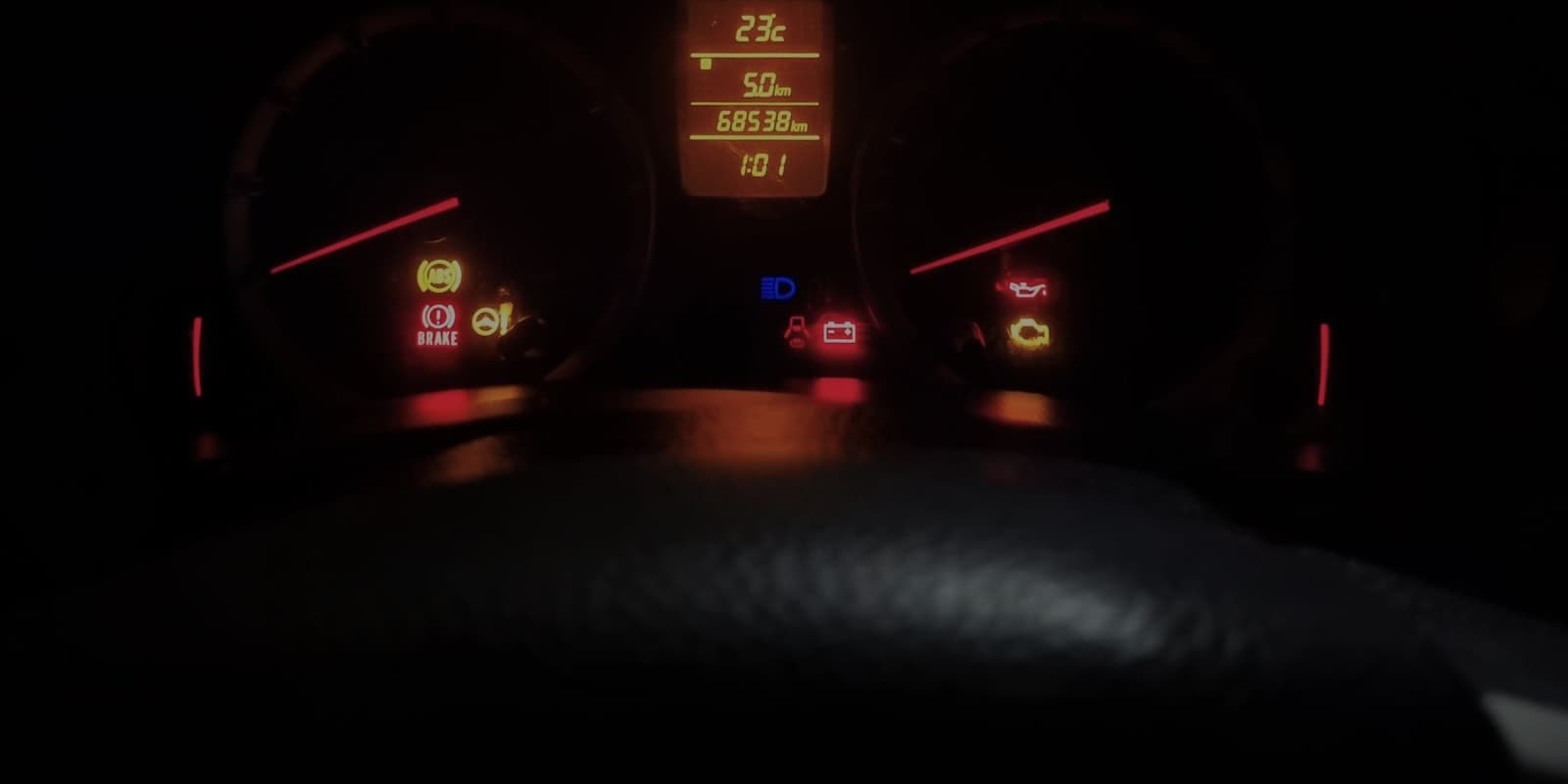
Why Won't My GMC Sierra's Brake Warning Light Turn Off?
If your Sierra's brake pads and fluid both check out fine but the warning light stays lit, the cause is usually a stuck parking brake switch, a faulty fluid level sensor, or an electrical fault rather than the brakes themselves. Here's how to narrow it down.
 Sierra
How to Bleed ABS Brakes on a GMC Sierra
Standard two-person bleeding can leave air trapped inside the ABS modulator itself, which is why some Sierras keep a soft pedal even after a textbook bleed. Here's when that happens and how a scan tool-driven ABS bleed clears it.
 Sierra
GMC Sierra Soft Brake Pedal — Causes and What to Check
A soft or spongy brake pedal on a GMC Sierra usually points to air in the brake lines, a fluid leak, or a wearing master cylinder, roughly in that order of likelihood. Here's how to narrow it down and decide how urgently it needs attention.