GMC Acadia Brake Warning Light Meanings
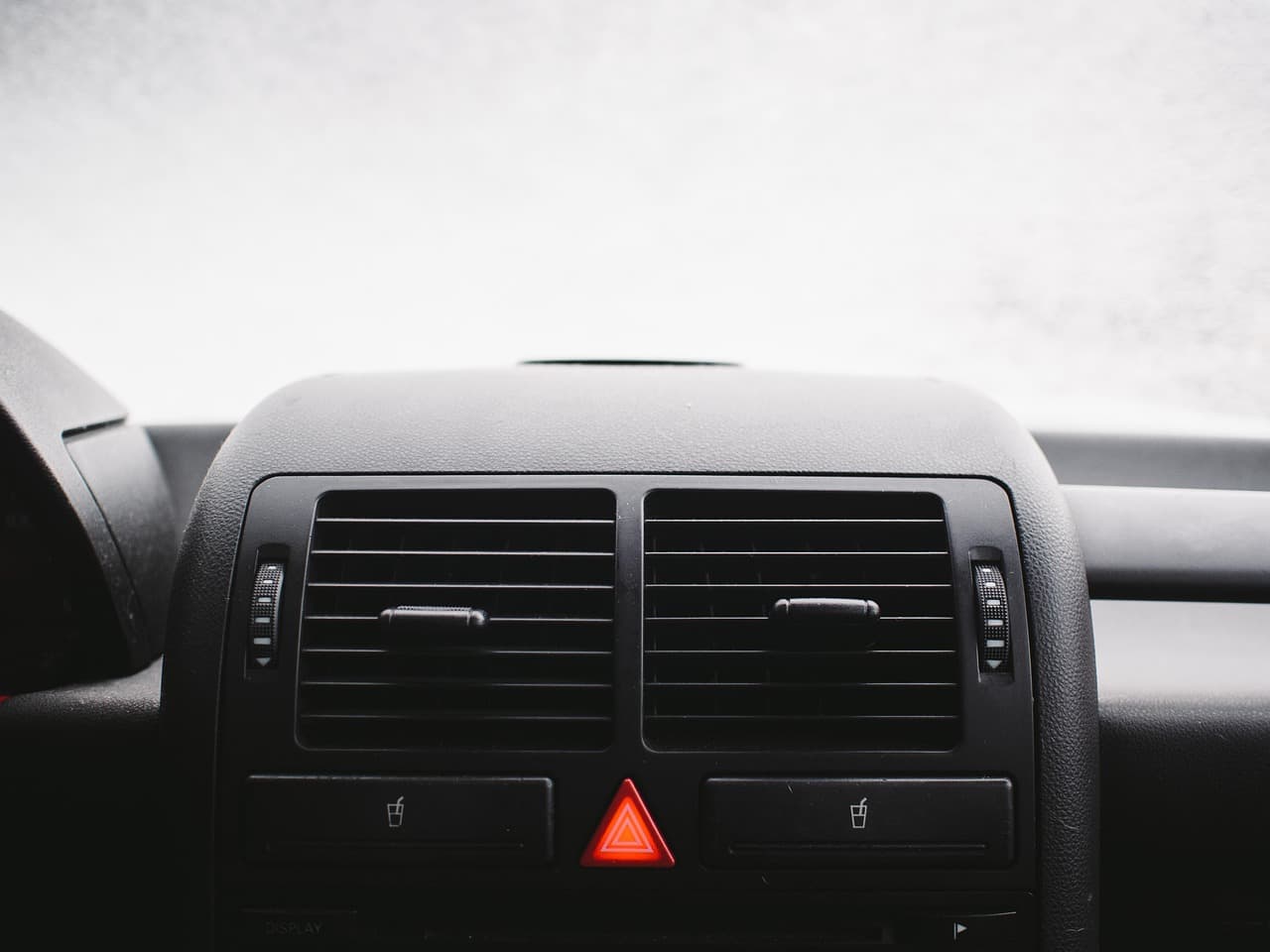
The Acadia's driver information center groups a handful of distinct systems under brake-related warnings. Knowing which symbol or message you're looking at is the first step to figuring out whether it's a quick check or something that needs immediate attention.
Red Brake Warning Light (Circle with "!" or "BRAKE")
This is the one to take most seriously. A red brake warning usually points to low brake fluid, an engaged parking brake, or, in more serious cases, a hydraulic system fault. If this comes on while driving and isn't explained by the parking brake, pull over safely and check the fluid level before continuing.
Amber/Yellow ABS Light
A separate amber light with "ABS" text means the anti-lock system has detected a fault, most often a wheel speed sensor. Your regular brakes still work, but you lose ABS's anti-lock and (on many models) traction-control benefit until it's fixed. See our ABS brake system guide for more on how ABS integrates with the rest of the brake system.
"Service Brake System" Message
A text message rather than a symbol, this is a broader catch-all that the Acadia's computer uses when it can't fully verify the brake system's status. Sometimes it's a sensor fault, and sometimes it's tied to a low-voltage condition after the battery has been disconnected or gone flat. See our general GMC brake warning signs guide for symptoms to watch for alongside the message.
Parking Brake Indicator
On Acadias with an electronic parking brake, this light stays on whenever the parking brake is engaged, which is normal. If it stays on or flashes after you've released the parking brake, that's a fault worth having looked at rather than a simple reminder light.
Brake Pad Wear Indicator
Some Acadia trims show a dedicated low-brake-pad warning separate from the general brake light. This is informational rather than urgent: it means it's time to plan a pad replacement, not that the brakes have failed.
What To Do When Multiple Lights Come On Together
If you see the brake warning alongside ABS and StabiliTrak/traction control lights at the same time, that combination often points to one shared cause, commonly a wheel speed sensor or a low-voltage condition, rather than three separate problems. Mentioning which lights came on together, and in what order, helps a technician diagnose it faster.
This page covers Acadia-specific lights. For the full cross-model chart, see GMC Brake Warning Light & Message Chart.
Frequently Asked Questions
Is it safe to drive with the ABS light on but no other warnings?
Your regular brakes should still function normally. ABS only intervenes during hard braking or on slippery surfaces. It's not an emergency, but it shouldn't be ignored either, since you lose the anti-lock benefit exactly when you'd need it most.
Why did my brake warning light come on right after I had the battery replaced?
Disconnecting the battery can cause some GM electronic modules to lose their calibration and flag a temporary fault. In many cases the light clears itself after a short drive as the modules relearn; if it doesn't clear within a day or two of normal driving, have it scanned.
Does a brake warning light mean I need new brake pads?
Not necessarily. A dedicated pad-wear indicator means that; a general brake warning light more often points to fluid level, a sensor, or the parking brake rather than pad wear specifically.
Safety note: This guide is for general informational purposes. Brake systems are safety-critical — if you're unsure at any step, or the work requires specialized tools, have it inspected or completed by a qualified technician.
Related Guides
 Acadia
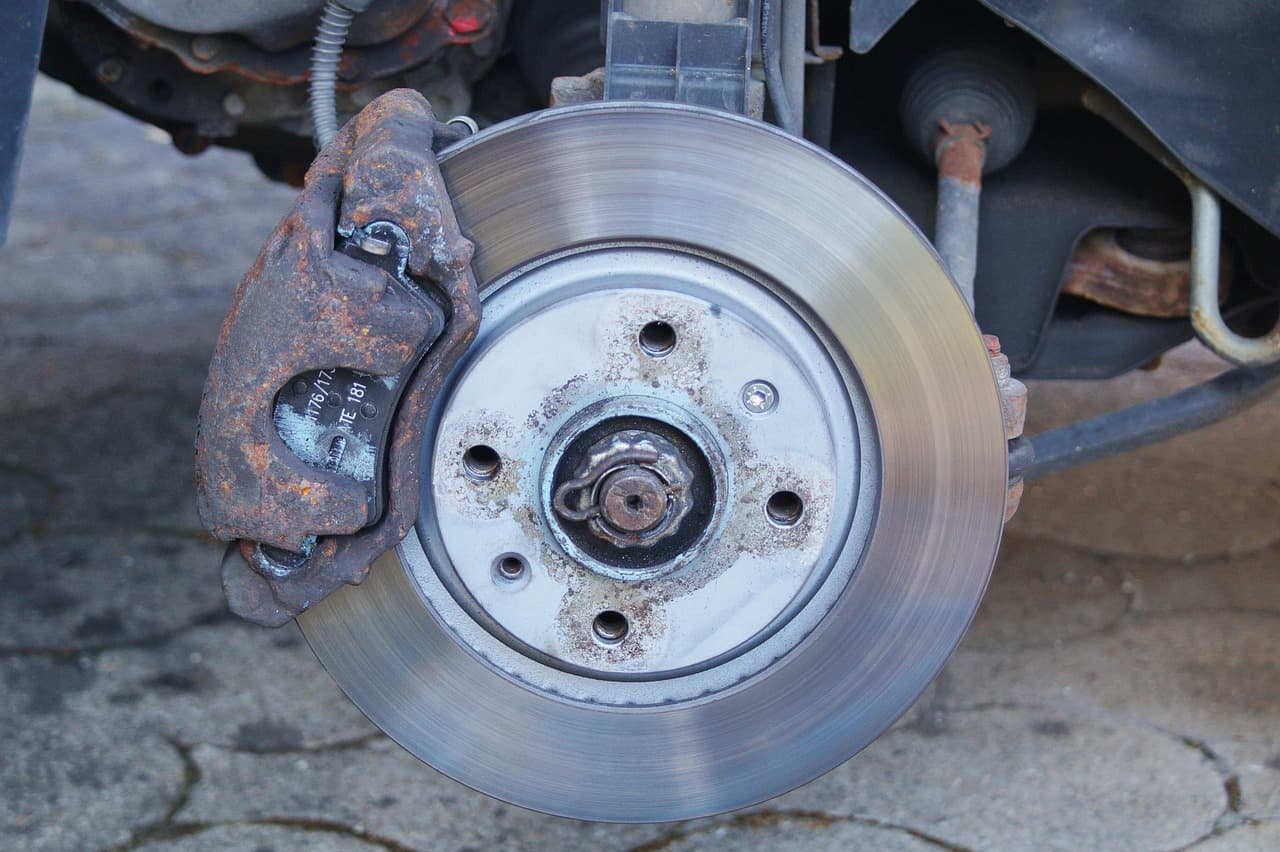
Best Brake Rotors for the GMC Acadia — Buyer's Guide
Blank OEM-style rotors suit most GMC Acadia drivers, slotted rotors help those who tow or drive mountain grades, and drilled rotors carry a crack risk.
 Acadia
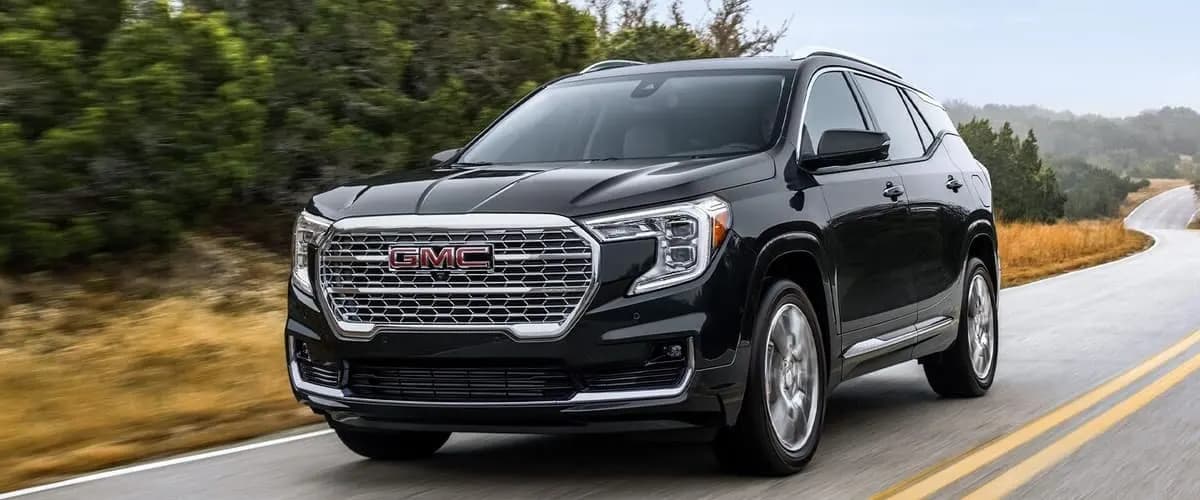
Exploring the Versatile 2024 GMC Acadia Drive Modes
The 2024 GMC Acadia offers Tour, Sport, Snow/Ice, Off-Road, and Tow/Haul drive modes. See what each one adjusts and when to use it.
 Acadia
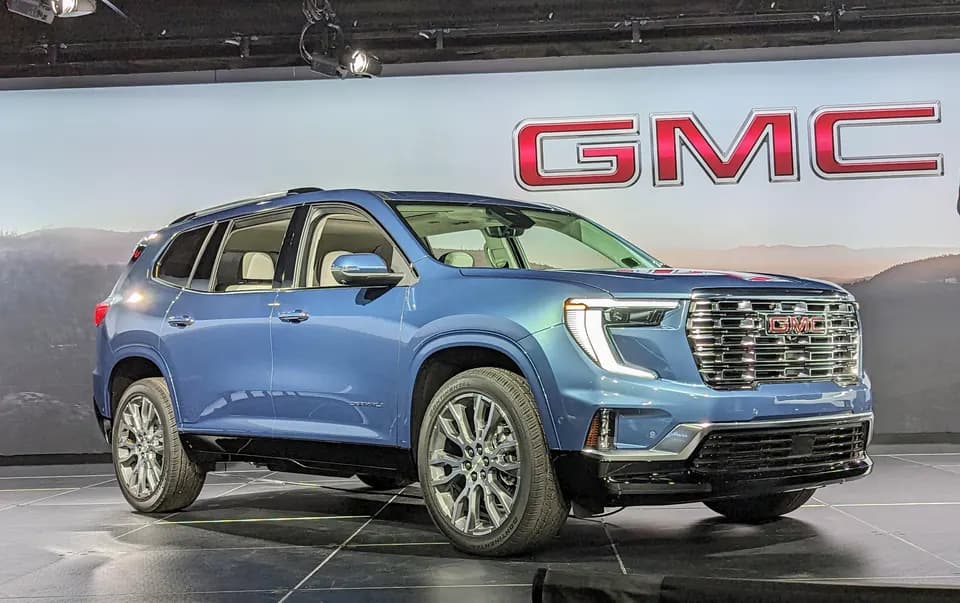
2024 GMC Acadia Denali Release Date and What to Expect
Keep your eyes peeled at your local GMC dealer in the coming weeks for the highly anticipated 2024 GMC Acadia Denali release date.
 Acadia
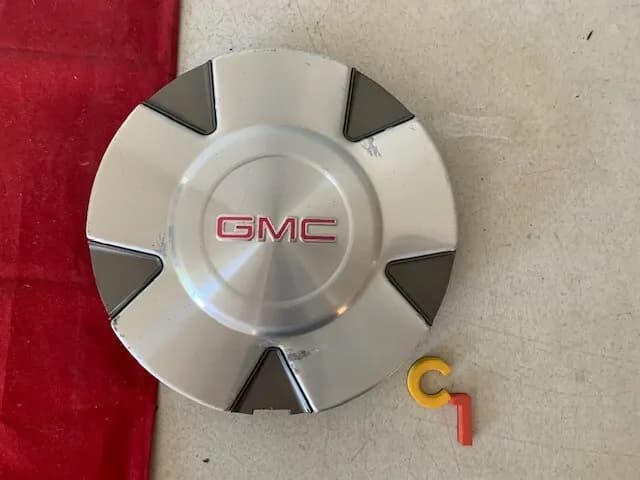
GMC Acadia Wheel Center Caps
GMC Acadia wheel center caps serve an important purpose in protecting your wheels and lug nuts from damage.
 Acadia
Does the GMC Acadia Really Need Premium Gas?
Regular 87 octane unleaded gasoline is perfectly suitable to meet the GMC Acadia’s fuel requirements.
 Acadia
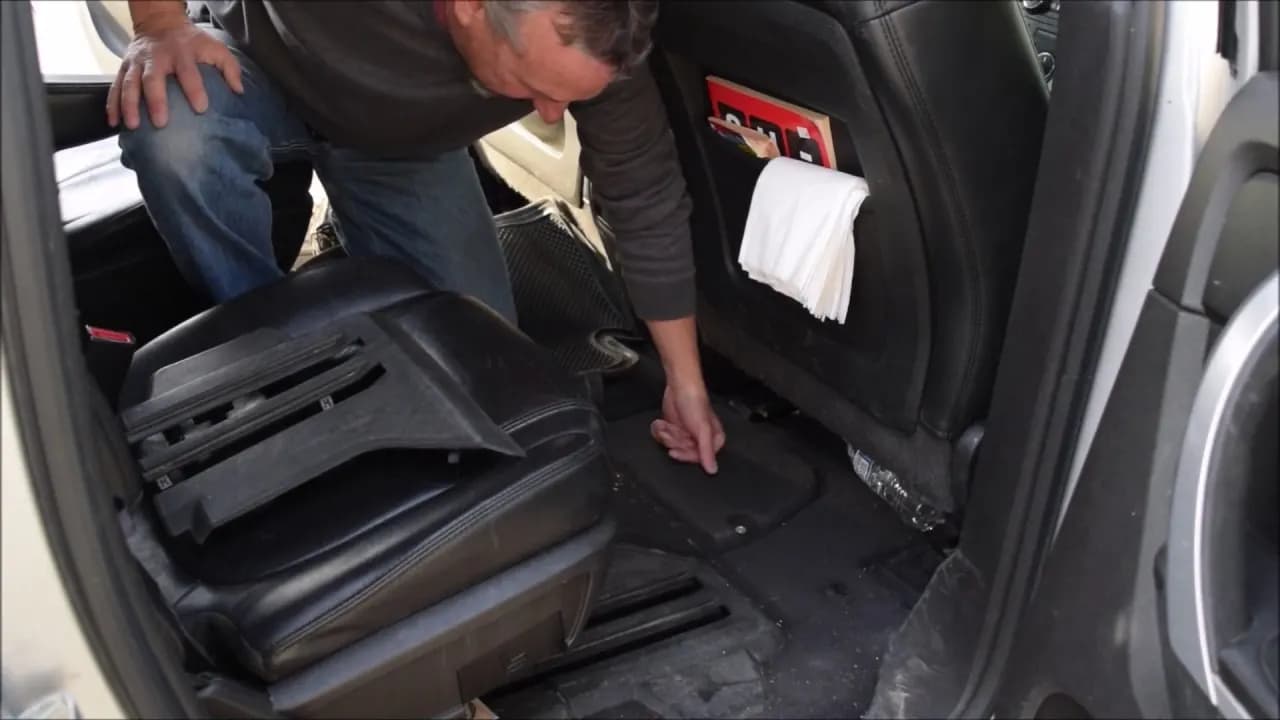
Where is The GMC Acadia Battery Location?
The GMC Acadia battery location is in the floor pan behind the front passenger seat. Just one small T20 Torx screw holds the battery cover.
More in Warning Lights & Messages
- GMC Adaptive Cruise Control: How It Brakes and Why It Quits
- GMC Service Brake System Message and Brake Recalls
- GMC Brake Warning Light & Message Chart
- GMC Sierra Service Brake Assist Light: What It Means
- GMC Sierra Service StabiliTrak and Brakes: Are They Related?
- GMC Yukon "Reduced Braking Available" Message Explained