GMC Brake Warning Light & Message Chart
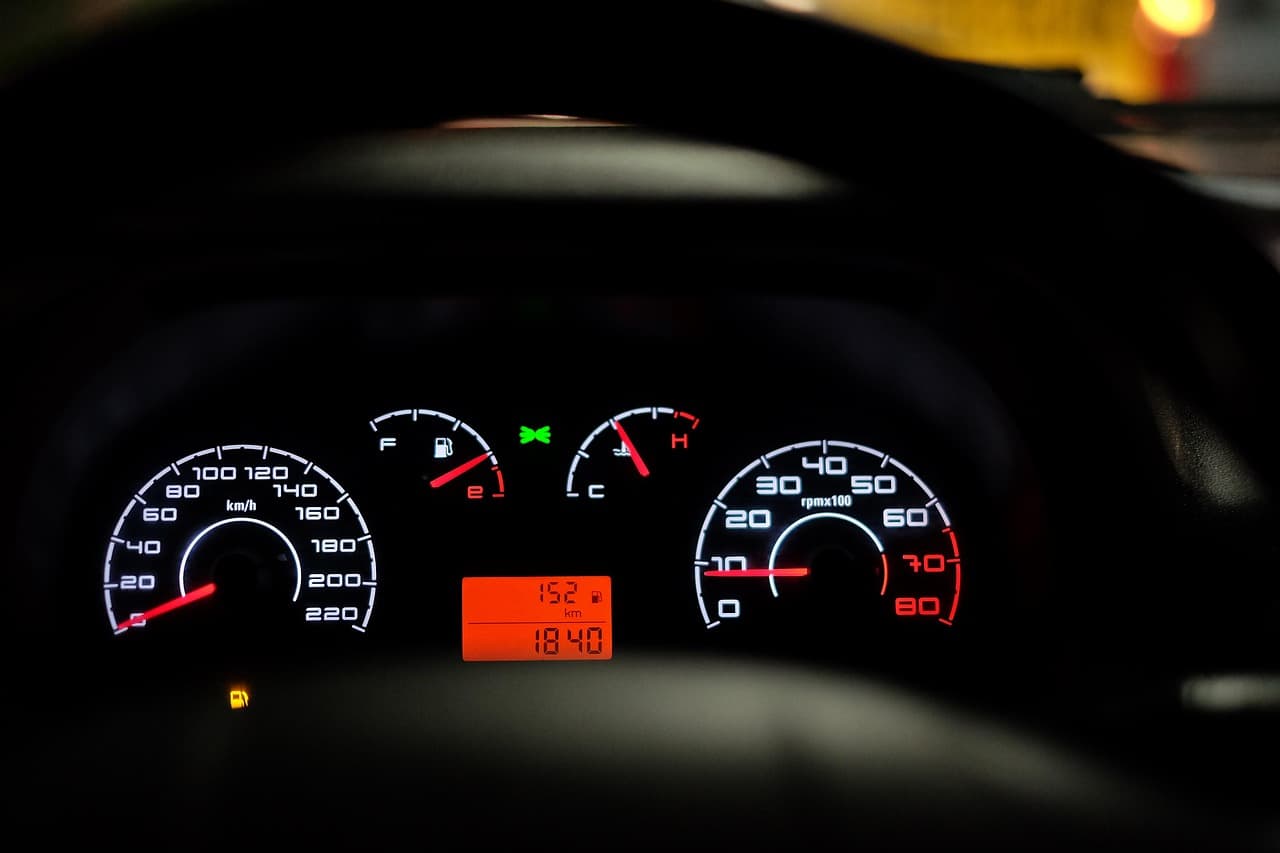
Different GMC models surface brake-related warnings in slightly different ways: a symbol on one trim, a text message on another. This chart is a quick way to find which warning you're looking at and jump straight to the full explanation.
Quick-Reference Chart
| What You See | Likely Category | Full Guide |
|---|---|---|
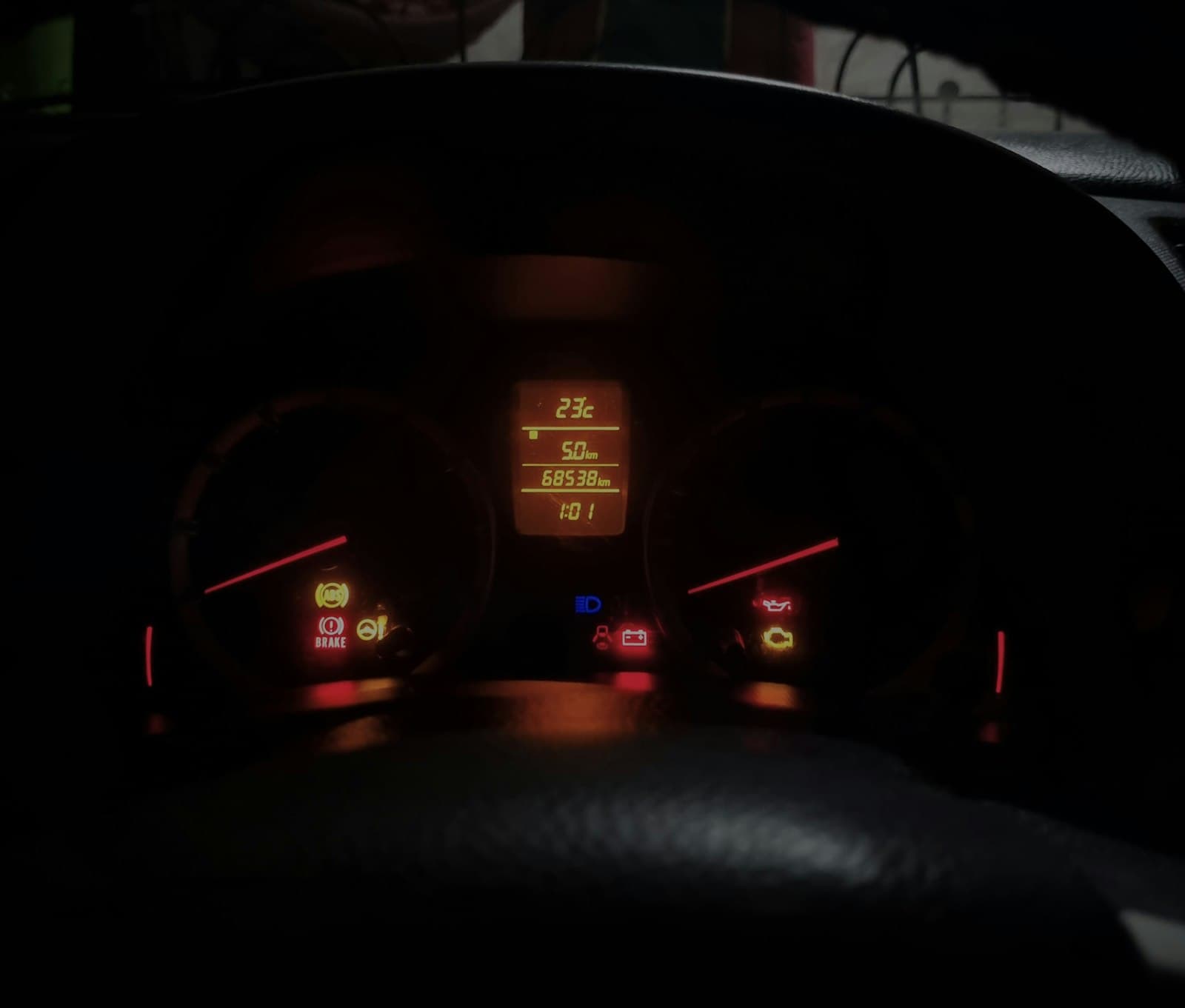
| Red brake symbol / "BRAKE" | Fluid level, parking brake, or hydraulic fault | GMC Brakes Warning Signs |
| Amber "ABS" light | Wheel speed sensor or ABS module fault | Understanding the ABS Brake System in GMC Vehicles |
| "Service Brake Assist" | Brake Assist system disabled | Sierra Service Brake Assist Warning Light |
| "Service StabiliTrak" (with a brake light) | Shared sensor or hydraulic fault | Sierra Service StabiliTrak and Brakes |
| "Reduced Braking Available" | Power assist fault (Yukon and similar) | Yukon "Reduced Braking Available" Message |
| Various Acadia-specific lights | See our full Acadia breakdown | GMC Acadia Brake Warning Light Meanings |
| Brake pad wear indicator | Pads nearing replacement | How to Know When to Change GMC Brakes |
| "Service Brake Pad Monitor" / reset needed | Sensor needs reset after pad service | 2020 GMC Sierra Service Brake Pad Monitor Reset |
How to Use This Chart
Match the light or message text you're seeing as closely as possible to the left column, then open the linked guide for causes, safe checks, and when the situation needs a technician rather than a DIY check. If more than one warning is on at once, mention that combination to whoever inspects the vehicle. Shared sensors mean multiple lights often trace back to a single cause.
When Any of These Warrant Immediate Attention
Regardless of which specific light or message you're seeing, treat it as urgent rather than routine if it's paired with any of the following:
- A soft, spongy, or unusually long brake pedal
- Grinding or metal-on-metal noise when braking
- The vehicle pulling to one side under braking
- A noticeably longer stopping distance than normal
None of the guides linked above are a substitute for a real inspection when symptoms like these are present. Get the vehicle checked before your next drive.
Frequently Asked Questions
My warning doesn't match anything in this chart, what do I do?
Check the specific model guide linked from this chart, or search the site for the exact text shown on your dashboard. If you can't find a match, the safest move is a scan-tool read at a shop, since dashboard text can vary slightly by model year and trim.
Do these warnings mean the same thing across all GMC models?
Mostly, but not always exactly. Sierra, Acadia, and Yukon share a lot of underlying hardware and software, but trim-level differences (electronic vs. hydraulic parking brake, for example) can change what a given light means. Use the model-specific guide linked in the chart when one exists.
Can I clear these warnings myself?
Some, like a brake pad monitor reset after new pads, are a normal part of routine maintenance you can do yourself. Others, like an ABS or StabiliTrak fault, reflect an underlying issue that needs to be fixed (not just cleared) before the warning goes away for good.
Safety note: This guide is for general informational purposes. Brake systems are safety-critical — if you're unsure at any step, or the work requires specialized tools, have it inspected or completed by a qualified technician.
Related Guides
 GMC Brakes
GMC Adaptive Cruise Control: How It Brakes and Why It Quits
GMC Adaptive Cruise Control uses limited braking to hold a following gap. See how it stops, resumes, and why it turns temporarily unavailable.
 GMC Brakes
GMC Service Brake System Message and Brake Recalls
What a GMC brake system warning or service message means, and which GM brake recalls cover Sierra and Yukon trucks, verified by NHTSA campaign number.
 Yukon
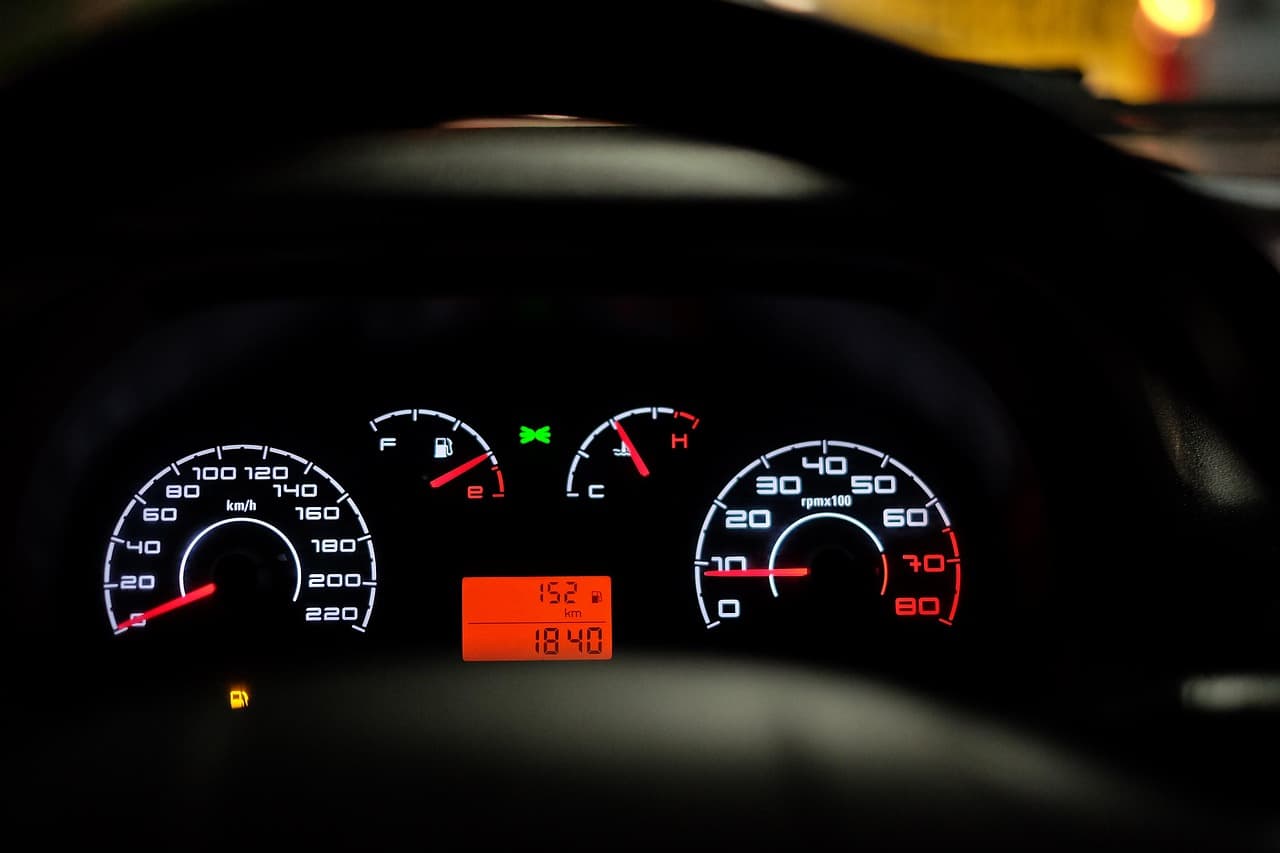
YukonGMC Yukon "Reduced Braking Available" Message Explained
Reduced Braking Available on a GMC Yukon means the brakes have lost normal power assist. Learn the common causes, safe checks and when to see a technician.
 Sierra
GMC Sierra Service StabiliTrak and Brakes: Are They Related?
StabiliTrak and a GMC Sierra's brakes share sensors and hydraulic hardware, so a Service StabiliTrak message often appears with a brake warning.
 Sierra
GMC Sierra Service Brake Assist Light: What It Means
A Service Brake Assist message on a GMC Sierra means the system that adds pressure in hard stops has a fault. See common causes and what to check first.
 Acadia
GMC Acadia Brake Warning Light Meanings
A rundown of the brake-related warning lights and dashboard messages you might see on a GMC Acadia, what each one generally means, and how urgently to act.