How to Put Your 2018 GMC Acadia in Rear Brake Service Mode
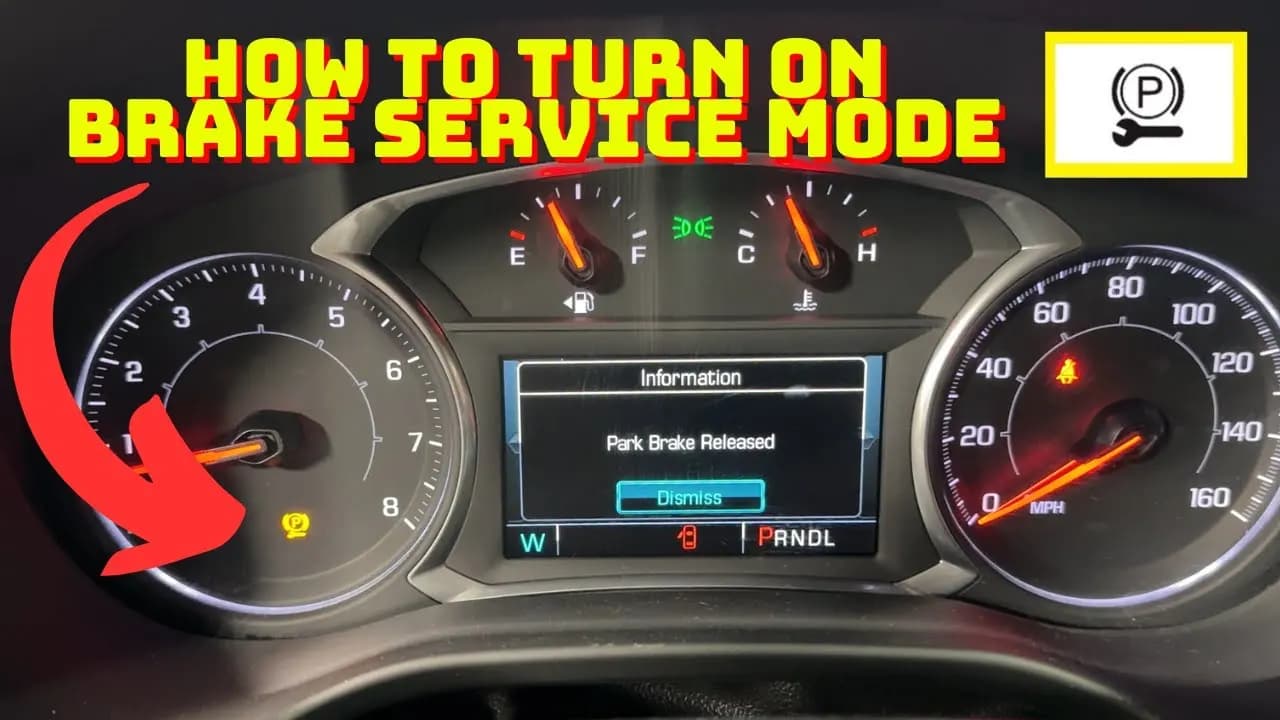
If you’re working on replacing the rear brake pads or rotors on your 2018 GMC Acadia, you’ll need to put the electronic parking brake into what’s called rear brake service mode. This mode retracts the brake pistons so you can replace worn parts. The process looks complicated at first, but it’s straightforward once you know the steps.
Why You Need to Use Rear Brake Service Mode
The 2018 GMC Acadia and several newer GM cars use an electronic parking brake instead of the traditional manual system operated by a pedal or hand lever. While it’s convenient, it does add a layer of complexity to brake maintenance.
With this setup, you can’t simply push in the brake caliper pistons using a C-clamp or piston tool, as you would on vehicles with manual parking brakes. The built-in motors and electronics get in the way. That’s where rear brake service mode comes in: it retracts the parking brake so you can service the brakes.
When changing the brakes on your Acadia, it’s important to activate EPB service mode first. Skipping this step makes it difficult to compress the pistons enough to fit new pads, and it risks damaging the calipers.
Ways to Activate Rear Brake Service Mode
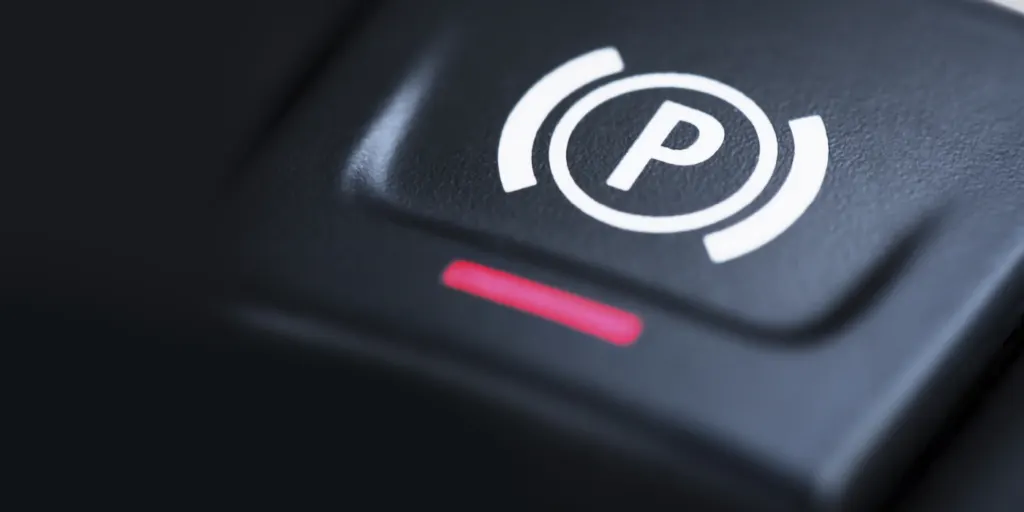
There are two main methods to get your 2018 GMC Acadia into rear brake service mode so you can work on those rear brakes:
- Scan tool method: Use a scan tool compatible with the EPB system to enter service mode automatically.
- Manual method: Engage the parking brake switch in a specific sequence to enter service mode without a tool.
Using a Scan Tool to Enter Service Mode
The simplest way to put your Acadia into rear brake service mode is with a scan tool that can control the electronic parking brake module. A dedicated scanner works best, though many OBD2 devices can also handle the job. Connect the scanning tool, access the EPB control menu, and select the option to enter service mode. The tool will then retract the parking brake motors and pistons automatically.
This method is recommended if you have a scan tool available. It’s quick and doesn’t require tinkering with buttons or timing sequences, and it reduces the chances of making a mistake.
Manually Putting EPB in Service Mode
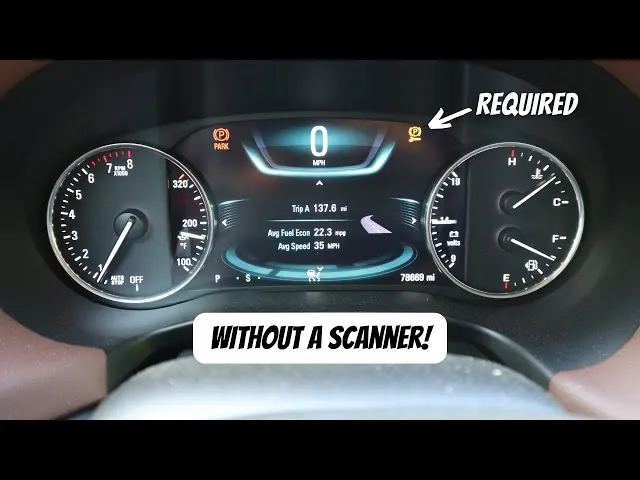
If you don’t have a scan tool, you can still put your 2018 Acadia’s brakes into service mode manually. The process takes a few extra steps, but it’s completely manageable. Here’s what you need to do:
- Make sure the vehicle is in park and turn the ignition on (with the engine off).
- Hold down the brake pedal.
- Hold down the EPB switch for 5 seconds.
- Watch for the parking brake light to start flashing.
- Release the EPB switch, then quickly press and release it again.
- The parking brake will now be retracted, putting you in service mode.
Work through the sequence calmly and keep an eye on the dashboard’s parking brake light. Once it starts flashing, that’s your signal to release the EPB switch and quickly tap it again to confirm the process.
After finishing the brake work, turn the ignition off and back on to exit service mode. The module will automatically reactivate the parking brake and restore normal function.
This manual procedure applies to GM vehicles from 2017 to 2022 with electronic parking brakes, including the 2018 GMC Acadia, Chevy Traverse, Buick Enclave, and Cadillac XT5, among others.
Use this procedure the next time you’re changing brake pads and rotors on your GM vehicle.
Tips for Acadia Rear Brake Service
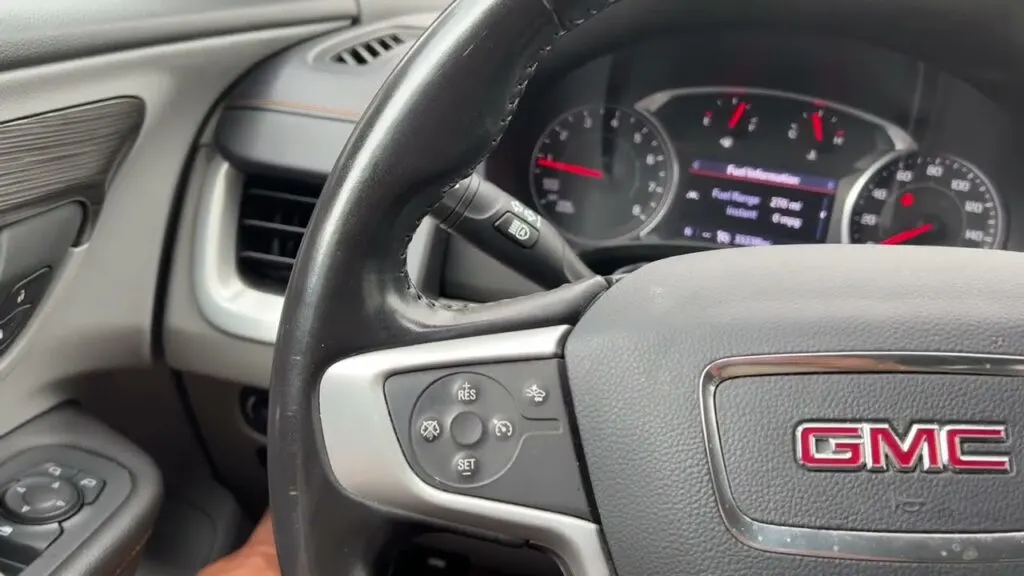
With rear brake service mode engaged on the 2018 Acadia, keep these tips in mind to make the job go smoothly:
- Use the proper compressor tool when retracting the pistons. Avoid a C-clamp or channel locks, which can damage the boot and cause leaks.
- Replace worn brake hardware. Sticking slides and worn-out pad shims will keep new brake pads from performing well.
- Lubricate the bolts, shims, and all moving parts with brake grease to help the brakes function smoothly and last longer.
- Inspect the rotors carefully. If they’re within specifications and not warped, gouged, or heavily rusted, go ahead and install the pads. If they’re in poor condition, replace or resurface them.
Final Thoughts
Now you know how to activate rear brake service mode on the 2018 GMC Acadia and swap out the rear brake pads and rotors. The process can feel daunting at first, especially when dealing with the electronic parking brake, but it’s not as complicated as it looks. Remember that service mode is meant for use only while working on the brakes: never drive with it activated. Once the job is finished, deactivate service mode and confirm the parking brake is functioning normally again.
Safety note: This guide is for general informational purposes. Brake systems are safety-critical — if you're unsure at any step, or the work requires specialized tools, have it inspected or completed by a qualified technician.
Related Guides
 Acadia
Exploring the Versatile 2024 GMC Acadia Drive Modes
The launched 2024 GMC Acadia is causing a stir, in the crossover market. Representing the iteration of the Acadia model this vehicle has undergone notable changes growing in size to become one of the biggest, in its category. Along with its impressive stature, the 2024 GMC Acadia Drive Modes offer d
 Acadia
Production Start Date Revealed for 2025 GMC Acadia
As, per sources the 2025 GMC Acadia is anticipated to commence production on October 14th 2024.
 Acadia
GMC Acadia Sales 2006-2024
If you’re in the market for a new mid-size SUV, chances are you’ve heard plenty about GMC Acadia Sales over the years. Here is the details.