GMC Sierra Trailer Brake Gain Settings — 1500 vs 2500
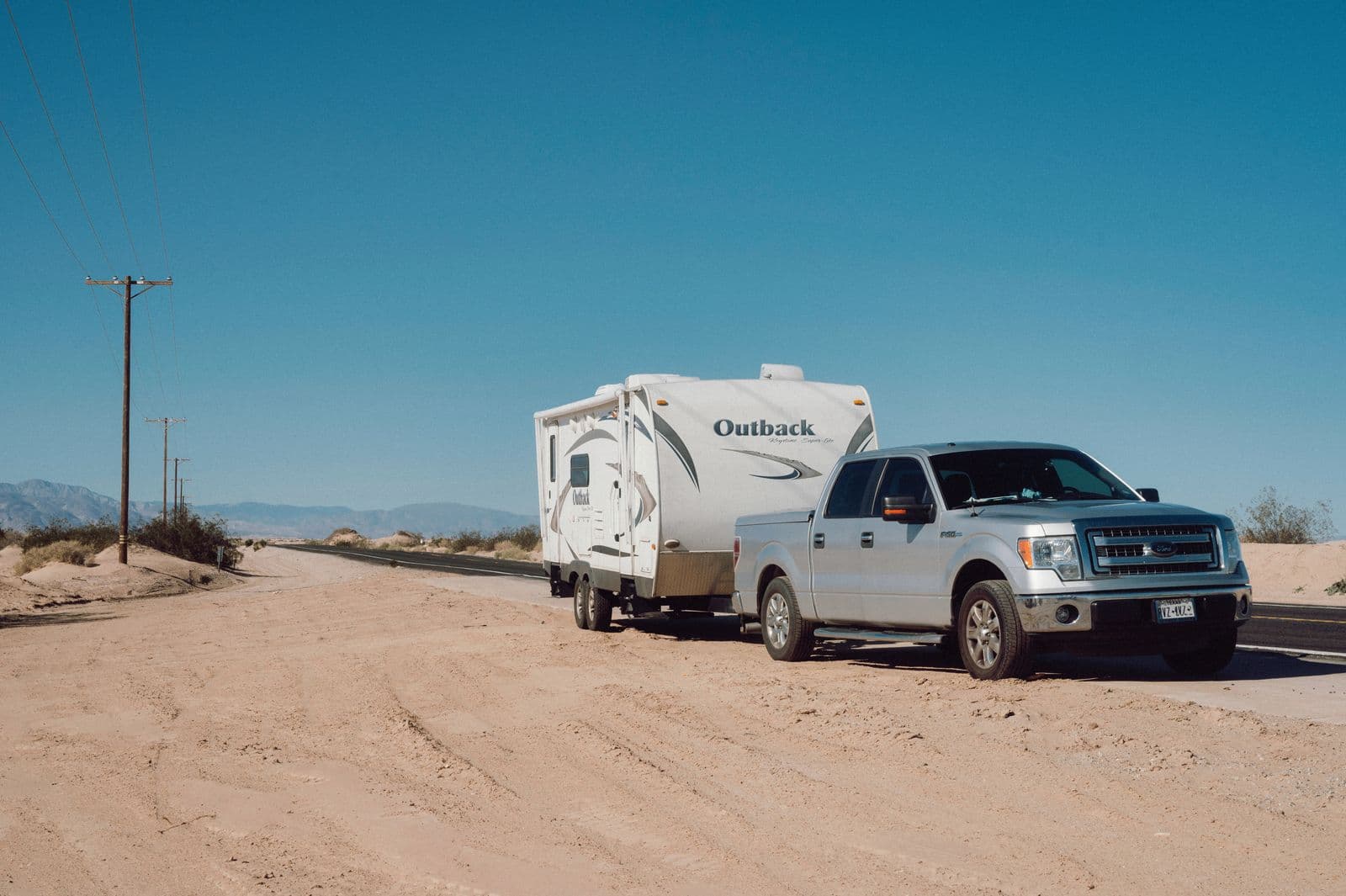
The gain setting on a Sierra's integrated trailer brake controller is the dial that decides how much electrical current gets sent to the trailer's brakes for a given amount of pedal or lever input. It's adjustable from 0.0 to 10.0 using the +/- buttons on the trailer brake control panel, and GM's own procedure sets it by driving at 20-25 mph and fully applying the manual brake lever to see how the trailer responds, not by reading a number off a chart. There isn't a published factory setting for "1500" or "2500," because the correct number depends on what's actually hitched to the truck at the time.
What the Gain Setting Actually Does
Gain isn't a braking mode or a trailer type selector, it's a sensitivity adjustment. A higher gain sends more current to the trailer's electric brakes for the same amount of lever or pedal travel, which means the trailer brakes bite harder and contribute more of the total stopping force. A lower gain does the opposite, letting the truck's brakes carry more of the load. Because it can be adjusted with the trailer connected or disconnected, it's possible to set a rough baseline in the driveway, but GM's guidance is explicit that the real number only comes from a road test with the trailer attached.
The setting isn't a "set it once" value, either. It's meant to be revisited any time trailer loading, vehicle loading, or road surface conditions change, since all three affect how much braking force the trailer needs to slow at the same rate as the truck. For a walkthrough of where the gain adjustment lives on the dash and how the rest of the panel works, see the 2023 GMC Sierra Trailer Brake Controller overview.
How to Test and Adjust It
The test itself is simple, but it has to be done at the right speed to mean anything. Find a level stretch of road with no traffic, tow the trailer up to 20-25 mph, and pull the manual trailer brake lever all the way, not the truck's brake pedal. Adjusting gain at speeds slower than that can produce a setting that's wrong once the truck and trailer are moving at normal road speeds.
Watch and listen for what the trailer does. If a trailer wheel locks up, you'll typically hear tire squeal or see smoke, and that's the signal to back the gain down a step. If nothing happens and the trailer barely slows on its own, increase the gain and repeat the test. The target is the highest gain setting that sits just below the point where a trailer wheel locks up, which gives the trailer's brakes as much stopping authority as possible without skidding.
Heavily loaded trailers sometimes never reach that lockup point no matter how high the gain goes, and that's expected. In that case, the setting simply goes to the highest allowable value for that towing condition rather than chasing a lockup that isn't going to happen. It's also worth backing gain off a step or two temporarily in wet, icy, or loose-surface conditions, since a trailer wheel locks up at a lower brake force when traction is reduced. For more on getting a feel for the controller day to day, including proportional versus time-delayed braking behavior, see How to Use a GMC Trailer Brake Controller.
Does the 2500 Need a Different Setting Than the 1500?
The adjustment range, the panel, and the 20-25 mph lockup test are identical whether the truck is a Sierra 1500 or a Sierra 2500. What differs is what's usually hitched to each one. A Sierra 1500's gooseneck and fifth-wheel towing capacity tops out in the neighborhood of 9,700-10,000 lbs, while a Sierra 2500HD is rated well beyond that, into the high-teens or low-20,000-lb range depending on engine and package. See the 2023 GMC Sierra 1500 towing capacity breakdown for the 1500-specific numbers.
When a 2500 is towing a heavier gooseneck or fifth-wheel trailer near the top of that range, there's simply more trailer mass to slow down, so it commonly takes more current, and therefore a higher gain number, to reach the same braking response the test is looking for. That's a real, physical difference in the trailers each truck tends to pull, not a difference GM builds into the controller itself. It's why some owners on towing forums report needing noticeably higher gain settings on their HD trucks than they ever used on a half-ton. That's a useful data point, but it's anecdotal, not a manufacturer spec, and it shouldn't be copied onto another rig without testing.
The relationship isn't fixed, either. A 2500 pulling a light 1,500-lb utility trailer and a 1500 loaded to near its own towing max could land on gain numbers that don't match the "HD trucks always run higher" assumption at all. The trailer's weight and how it's loaded matter more than which cab and frame it's bolted to. The only reliable way to land on the right number, on either truck, is the same test: drive it, apply the lever, watch what the trailer does, and adjust from there.
Frequently Asked Questions
Can I use the same gain setting for every trailer I tow?
No. Gain needs to be retested any time the trailer changes, or when the load inside the same trailer changes significantly. A setting dialed in for an empty utility trailer will likely be wrong for the same trailer loaded with a few thousand pounds of cargo.
What happens if the gain is set too high?
The trailer's wheels can lock up under braking, which shows up as tire squeal, visible smoke, or a feeling of the trailer pushing or swaying behind the truck. This risk goes up on wet, icy, or loose surfaces, where a trailer wheel locks up at a lower brake force than it would on dry pavement.
What happens if the gain is set too low?
The trailer brakes contribute less stopping force than they're capable of, so the truck's brakes end up doing more of the work. That typically means longer stopping distances and faster wear on the truck's own brake components over a season of towing.
Do I need to redo the gain test for a short trip with a familiar trailer?
If it's the same trailer, loaded the same way, on similar road conditions to the last time it was tested, the existing setting should still hold. A quick re-check is worth doing any time the load, trailer, or road surface is meaningfully different from the last test.
Safety note: This guide is for general informational purposes. Brake systems are safety-critical — if you're unsure at any step, or the work requires specialized tools, have it inspected or completed by a qualified technician.
Related Guides
 Gmc Brakes
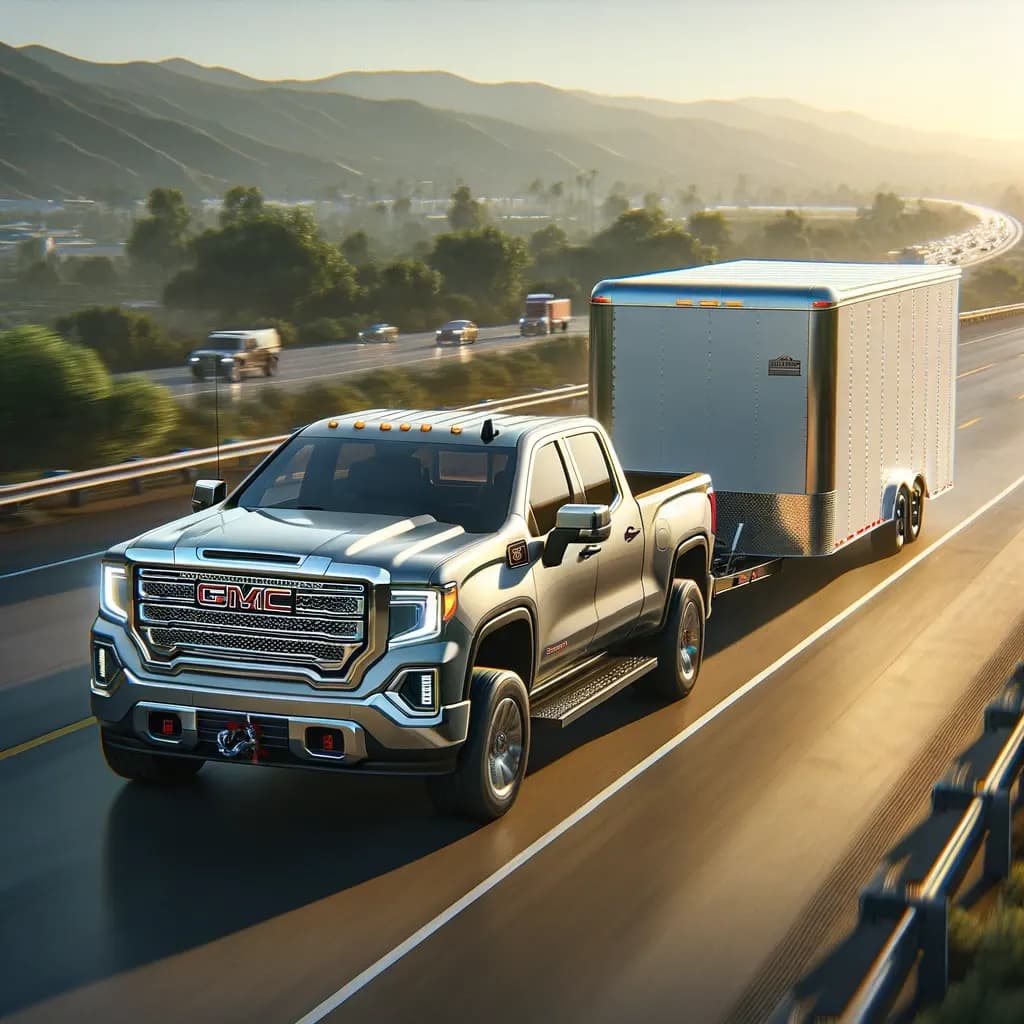
How to Turn Off The Trailer Brake System GMC Sierra
Discover how to safely turn off the trailer brake system GMC Sierra with our easy guide, ensuring optimal towing performance and safety.
 Gmc Brakes
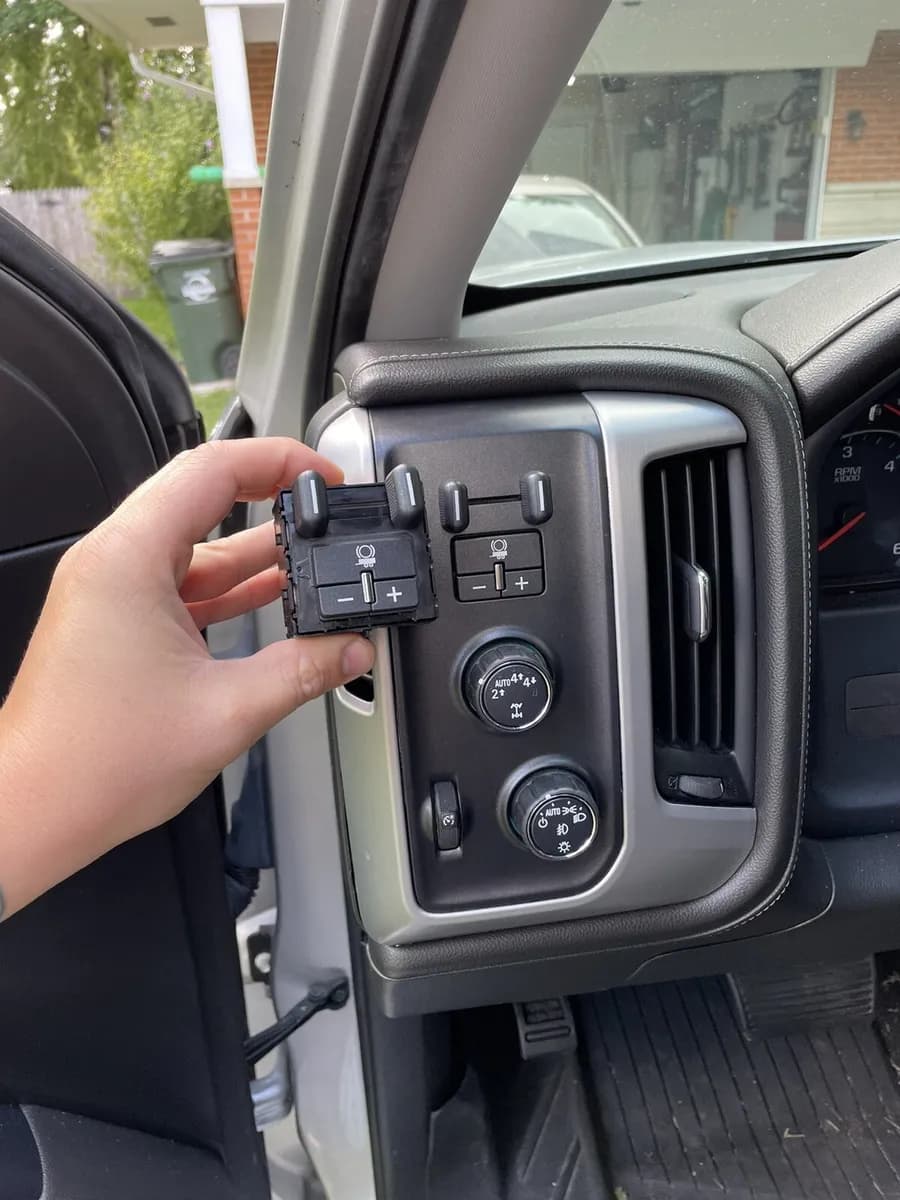
The 2023 GMC Sierra Trailer Brake Controller
Discover seamless towing with the 2023 GMC Sierra’s Trailer Brake Controller – your key to safer, smoother, and more efficient hauling.
 Gmc Brakes
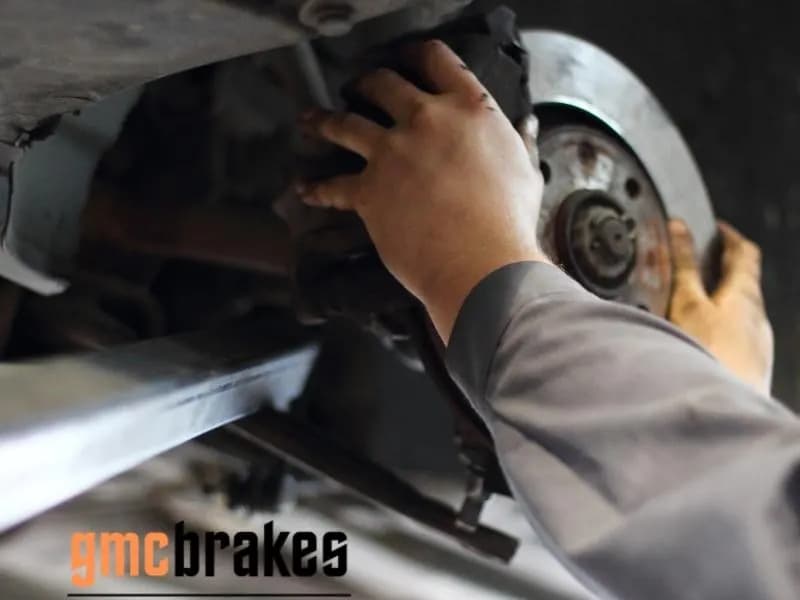
Buying a Replacement Trailer Brake Control Module For Your 2015 GMC Sierra
There are a few factors to consider before buying a replacement trailer brake control module for your 2015 GMC Sierra. These include location, cost, and reliability. If your truck is not factory installed, the brake controller could be the cause of your problems. To get the best replacement brake co